 CastMyMac
Your Mac on the big screen, no cable.
Nothing like the Chromecast casting you know. No 3-second lag, no blurry picture, not just a tab: your whole Mac, live, sharp, with sound. Or your TV as a real extra display.
Free: 15-minute casts, as many as you like. Lifetime license: one payment of 19 € 14 €, every future update included. 14-day refund.
Forget the Chromecast casting you know
Usually
- 2 to 6 seconds of lag: the pointer drags, video drifts from sound
- A blurry picture that smears as soon as anything moves
- A Chrome tab, not your whole Mac, and never an extra display
- Sound that stays on the Mac, or an audio driver to install
- macOS settings that break with every update
- A 5-minute trial, then a subscription
With CastMyMac
- About 0.2 s: move the pointer, the TV follows
- Up to 60 fps, sharp text, tuned live to your Wi-Fi
- Your whole Mac, or your TV as 1, 2 or 4 real extra displays
- Sound on the TV, controlled by the Mac’s keys, nothing to install
- A native app, made for macOS 14 to 26
- Free to try, then a lifetime license: one payment
Two ways to enjoy your TV
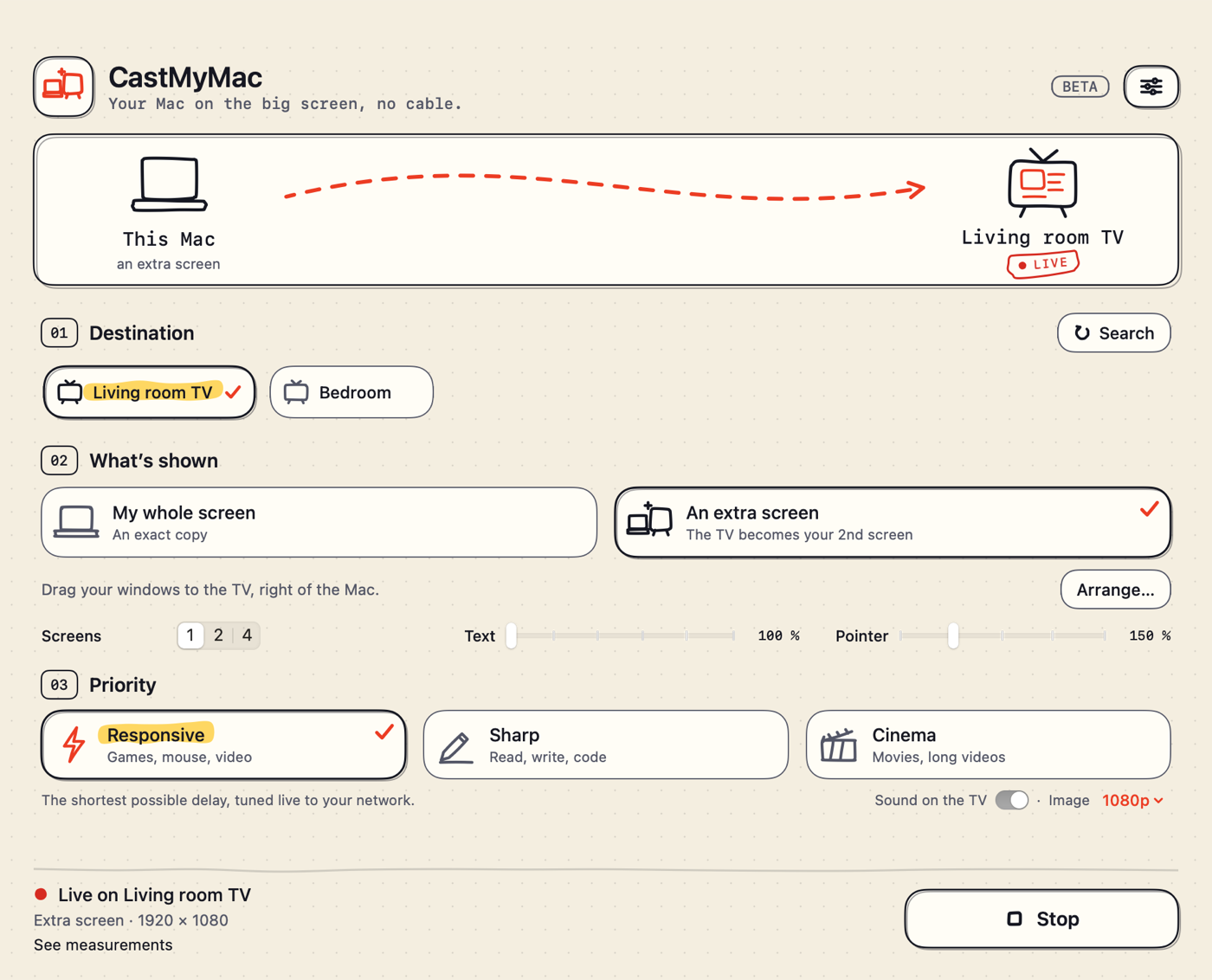
Your whole screen
An exact copy of your Mac on the TV: slides, photos, videos, games.
An extra screen
The TV becomes a real second display for macOS. Drag windows over, keep your Mac to yourself.
Up to 4 screens on one TV
Two side by side or four in a grid, each with its own windows, in the right order.
Made to feel good every day
Responsive
The shortest delay your network allows, tuned live. Up to 60 fps when your TV keeps up.
Sharp or Cinema
Always-sharp text to read and code, or a comfortable margin for movies.
Sound on the TV
Your Mac’s sound travels with the picture, in sync. One switch.
Readable from the couch
Larger text and a bigger pointer, adjustable while casting, without interruption.
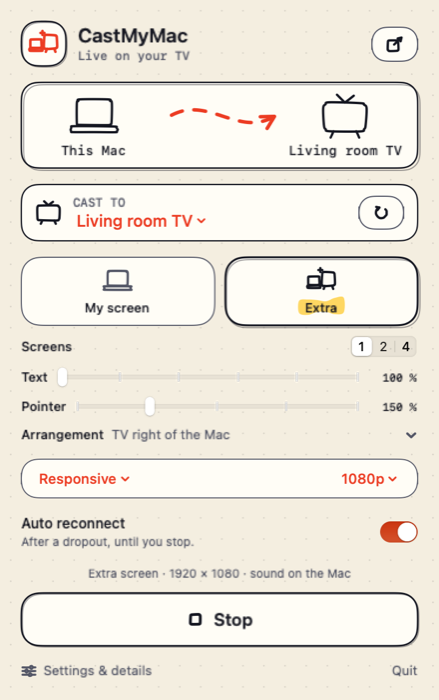
In the menu bar
One click to cast, one click to stop. Reconnects by itself after a dropout.
Private
Everything stays on your local network. No account, no cloud. Anonymous statistics only if you agree.
Works with
- macOS 14 Sonoma or later
- Apple silicon and Intel Macs
- Chromecast (3rd generation, 2018, and later), Chromecast with Google TV
- Google TV and Android TV sets with Chromecast built-in (Sony, TCL, Philips, Hisense…)
- Not yet: Apple TV, Samsung and LG without Chromecast built-in
Tax included · no subscription · every future update included, forever · free 15-minute casts to try
Money back within 14 days, no questions asked.
Questions
What do I need?
A Mac on macOS 14 or later and a Chromecast or a TV with Chromecast built-in, on the same Wi-Fi. Nothing to install on the TV.
How much delay between the Mac and the TV?
In Responsive mode, about 0.2 seconds on good Wi-Fi, tuned live. Enough for presentations, browsing or relaxed games.
Why does macOS ask for screen recording?
It is the permission that lets an app see your screen to send it to the TV. The picture never leaves your local network.
What if it doesn’t work for me?
Write to us: we’ll help, and if it isn’t right, we refund you within 14 days.
Is it a subscription?
No. You pay once and your license is for life: every future update is included, at no extra cost. The app updates itself, with your OK.